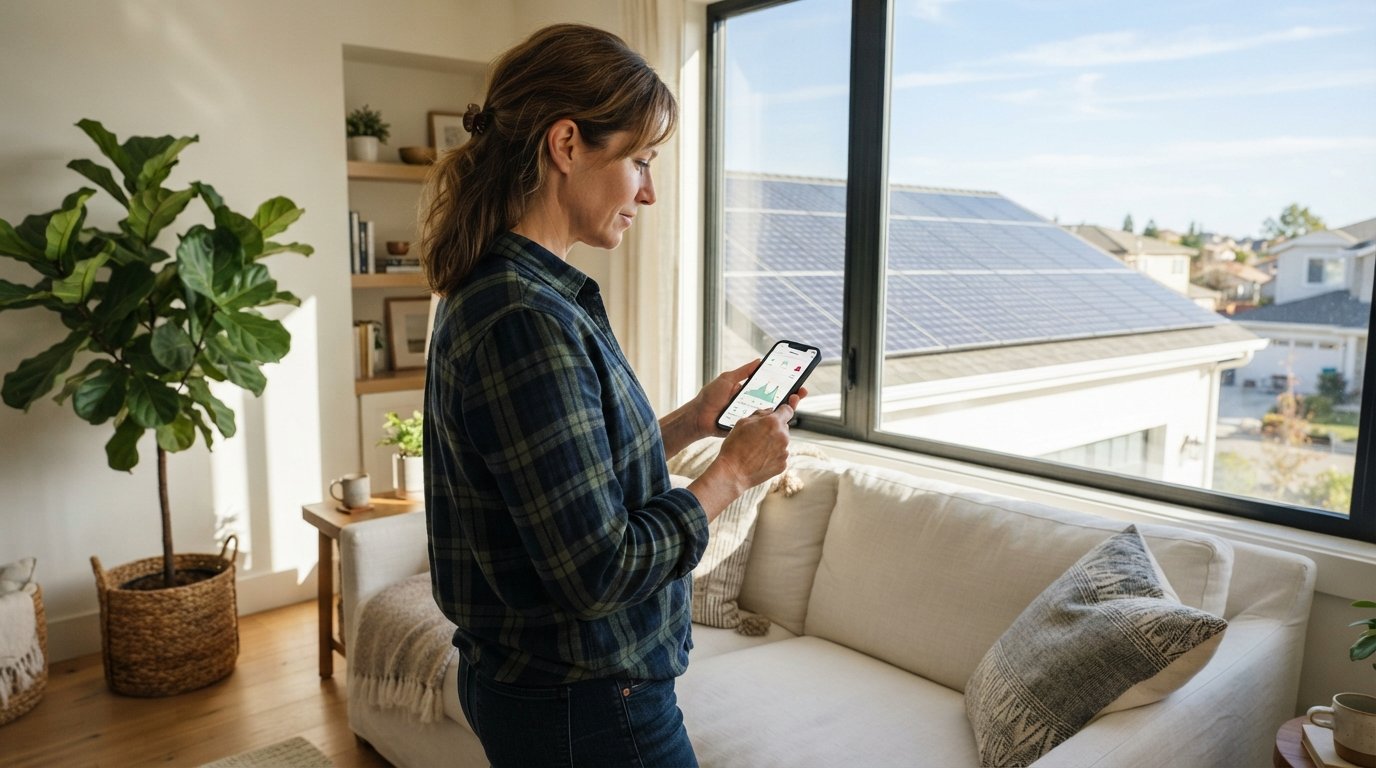
Solar Panel App Monitoring: Remote Alerts Guide
Learn how to set up solar panel app monitoring remote alerts to catch faults early, boost energy harvest, and protect your solar investment.

By Dylan Harris
Learn more about Solar Panel Installation and Repair for guides, costs, and what to expect.
Compare Solar Panel Installation and Repair Pros Near You

Enter your ZIP code to compare top-rated local professionals and request free quotes.
Your solar array works silently on your roof, converting sunlight into savings every single day. But what happens when a panel underperforms, an inverter throws an error code, or a tree branch casts a shadow over part of your system? Without real-time visibility, you might not notice the problem for weeks, and that means lost energy production and a smaller return on your investment. This is where modern monitoring software changes everything. A reliable solar panel app with remote alerts acts as your always-on watchdog, notifying you the moment something needs attention, so you can fix issues fast and keep your system running at peak efficiency.
In this solar panel app monitoring remote alerts guide, we will walk through the essential features to look for, how to interpret the data, and how to build a response plan that protects your energy harvest. Whether you are a new solar owner or looking to upgrade your current setup, understanding how to leverage mobile alerts will help you maximize both performance and savings.
Why Real-Time Monitoring Matters for Your Solar Investment
Solar panels are remarkably durable, but they are not immune to problems. Dirt and debris can accumulate, microcracks can develop over time, and inverters can fail unexpectedly. Many of these issues cause gradual performance degradation rather than a sudden shutdown, making them easy to miss without daily data review. A study from the National Renewable Energy Laboratory suggests that unmonitored systems can lose between 5% and 25% of their expected annual output due to undetected faults.
Remote monitoring closes that gap. By connecting your system to a mobile app, you gain the ability to track production in near real time, compare current output against historical patterns, and receive instant notifications when performance drops below expected thresholds. This proactive approach means you can address small problems before they become expensive repairs, ensuring your payback period stays on track. Additionally, if you have a performance guarantee from your installer, documented alerts provide the evidence you need to file a warranty claim.
Essential Features of a Solar Monitoring App
Not all monitoring apps are created equal. While every platform offers basic production graphs, the most useful tools include features that translate raw data into actionable insights. Before choosing an app or evaluating your current one, check for the following capabilities.
- Customizable alert thresholds: The ability to set specific parameters for voltage, wattage, or temperature, so you only get notified when something truly abnormal occurs.
- Granular panel-level data: Instead of just showing total system output, a good app lets you see how each individual panel is performing, making it easier to spot a single faulty unit.
- Historical trend analysis: Access to past performance data helps you compare week-over-week and year-over-year production, accounting for seasonal changes in sunlight.
- Weather integration: The best apps overlay local weather forecasts, so you can distinguish between a cloudy day dip and a genuine technical fault.
- Multi-user access: The ability to share access with your installer, spouse, or property manager, ensuring multiple people can respond to alerts.
When your app includes these features, you move beyond passive observation and into active system management. For example, if you receive a low-production alert on a sunny afternoon, you can immediately check the weather feed to rule out cloud cover, then investigate the panel data to see if a specific string is underperforming. This rapid diagnosis is the core value of a robust monitoring platform.
How to Set Up Remote Alerts for Maximum Effectiveness
Once your monitoring app is installed, the configuration process is critical. Many homeowners make the mistake of leaving default settings in place, which often leads to alert fatigue or, conversely, missed warnings. To get the most out of your system, follow these steps to tailor alerts to your specific installation.
Step 1: Establish a Baseline
For the first month after installation, resist the urge to adjust thresholds. Instead, let the app collect data and establish a performance baseline. This period accounts for your roof angle, local weather patterns, and any shading from nearby structures. Once you have a month of clean data, you can set alerts that compare current output against this historical average.
Step 2: Set Tiered Alerts
Rather than relying on a single notification type, create a tiered alert system. For instance, a 10% drop in daily production might warrant a yellow alert, prompting you to check for obvious issues like bird droppings or fallen leaves. A 30% drop should trigger a red alert, indicating a likely equipment failure that requires immediate attention. This structure prevents you from panicking over minor fluctuations while ensuring major faults get noticed.
Step 3: Configure Notification Channels
Most apps allow you to choose between push notifications, email, or SMS. For critical faults, use push notifications and SMS, since these are more likely to grab your attention. For routine daily summaries or weekly performance reports, email is sufficient. If your app supports it, set up a rule that escalates an unresolved red alert to a second contact, such as your solar installer, after 24 hours.
Interpreting Alerts and Diagnosing Common Issues
Receiving an alert is only the first step. The real skill lies in interpreting what the notification means and taking corrective action. Here is a breakdown of common alerts and the likely causes behind them.
Low production on one string: If an alert indicates that a specific string of panels is underperforming while others are fine, the culprit is often a single faulty panel or a loose connection. Check the app for individual panel data to isolate the issue. If a panel reads zero output, it may have failed or its microinverter may be broken.
Inverter error codes: Inverters communicate error codes that indicate specific faults, such as ground faults, arc faults, or grid voltage issues. Your monitoring app should display these codes. While some errors require a professional electrician, others can be resolved by simply restarting the inverter. Always consult your inverter manual or your installer before attempting any repair.
High module temperature: Solar panels lose efficiency as they heat up. An alert about high temperatures might indicate a ventilation issue if your panels are mounted flush to the roof, or it could simply reflect an extreme heat wave. If the alert appears on a mild day, inspect the area for debris that might be blocking airflow beneath the panels.
Integrating Monitoring with Routine Maintenance
Remote alerts are not a replacement for physical inspections, but they should inform your maintenance schedule. When you receive a low-production alert, that is your cue to perform a visual check of the affected area. In many cases, you will find visible dirt, leaves, or bird nesting material. Cleaning the panels often resolves the issue immediately.
For more persistent performance issues, you may need to schedule a professional service visit. In our guide on solar panel washing best practices for 2026, we outline how routine cleaning can prevent many of the alerts you might otherwise receive. Regular maintenance not only boosts production but also extends the lifespan of your equipment, which is a key factor in maximizing your long-term savings.
Using Alerts to Protect Your Financial Returns
Your solar array is a financial asset, and monitoring is the tool that protects it. Consider the scenario where a single panel fails silently for three months. Depending on your system size and local electricity rates, that could represent $150 to $300 in lost savings. With a monitoring app, you would have caught the issue within days, potentially saving most of that money.
Moreover, if your utility company offers net metering, you are essentially banking excess power for later use. An undetected fault means you are drawing more from the grid than necessary, which increases your bills. Alerts help you maintain a positive net metering balance. If you are considering adding battery storage, monitoring becomes even more critical, as you need to ensure your charging and discharging cycles are optimized for both cost savings and emergency backup readiness.
Leveraging Professional Support and Quotes
While monitoring apps provide excellent data, they cannot fix a broken inverter or rewire a faulty connection. That is where professional expertise comes in. If you receive persistent alerts that you cannot resolve on your own, it is time to call a certified solar technician. Many monitoring platforms allow you to share your system data directly with your installer, which speeds up the diagnostic process and reduces the time spent on site.
If you are in the market for a new system or want to upgrade your existing monitoring hardware, comparing quotes from multiple providers is wise. FreeSolarPowerQuotes connects homeowners with vetted solar installers who can assess your current setup and recommend monitoring solutions that fit your needs and budget. Getting a fresh perspective on your system configuration can uncover opportunities for optimization that you might have missed.
Building a Response Plan for Critical Alerts
An alert is only useful if you act on it. To avoid scrambling when a red alert pops up, create a simple response plan in advance. Start by writing down your installer's contact information and your inverter model number in a place you can easily find. Next, decide who in your household is responsible for checking the app and initiating a response. Finally, establish a timeline: minor alerts can wait 48 hours, but major faults should be addressed within 24 hours to prevent further energy loss.
It also helps to keep a log of past alerts and the actions you took. Over time, this log becomes a valuable reference for identifying recurring patterns. For example, if you consistently see a production dip every spring, you will know to schedule a pre-emptive cleaning before pollen season peaks. This historical knowledge transforms your monitoring app from a simple notification tool into a strategic asset for long-term system health.
In conclusion, a solar panel app with remote alerts is an indispensable tool for any solar homeowner. It provides peace of mind, protects your investment, and ensures you are always getting the most from your renewable energy system. By setting up effective alerts, learning to interpret the data, and pairing monitoring with regular maintenance, you can enjoy reliable, high-yield solar power for decades to come.
Learn more about Solar Panel Installation and Repair for guides, costs, and what to expect.
Compare Solar Panel Installation and Repair Pros Near You
Enter your ZIP code to compare top-rated local professionals and request free quotes.